Automation in a small business: where to start so it actually pays off
How to pick the first task to automate in a small business, what not to automate, which tools to choose and what a 21-day build looks like.

Most small business owners don't need a "digital transformation". They need the same dull chores to stop eating their evenings: copying data, filling in documents, keeping track of deadlines, answering the same questions over and over.
Automation simply means handing those chores to a program. The task still gets done, only a computer does it instead of you or someone on your team. In this guide I show how to find the first task worth automating, and how not to burn money on it.
What process automation means in a small business
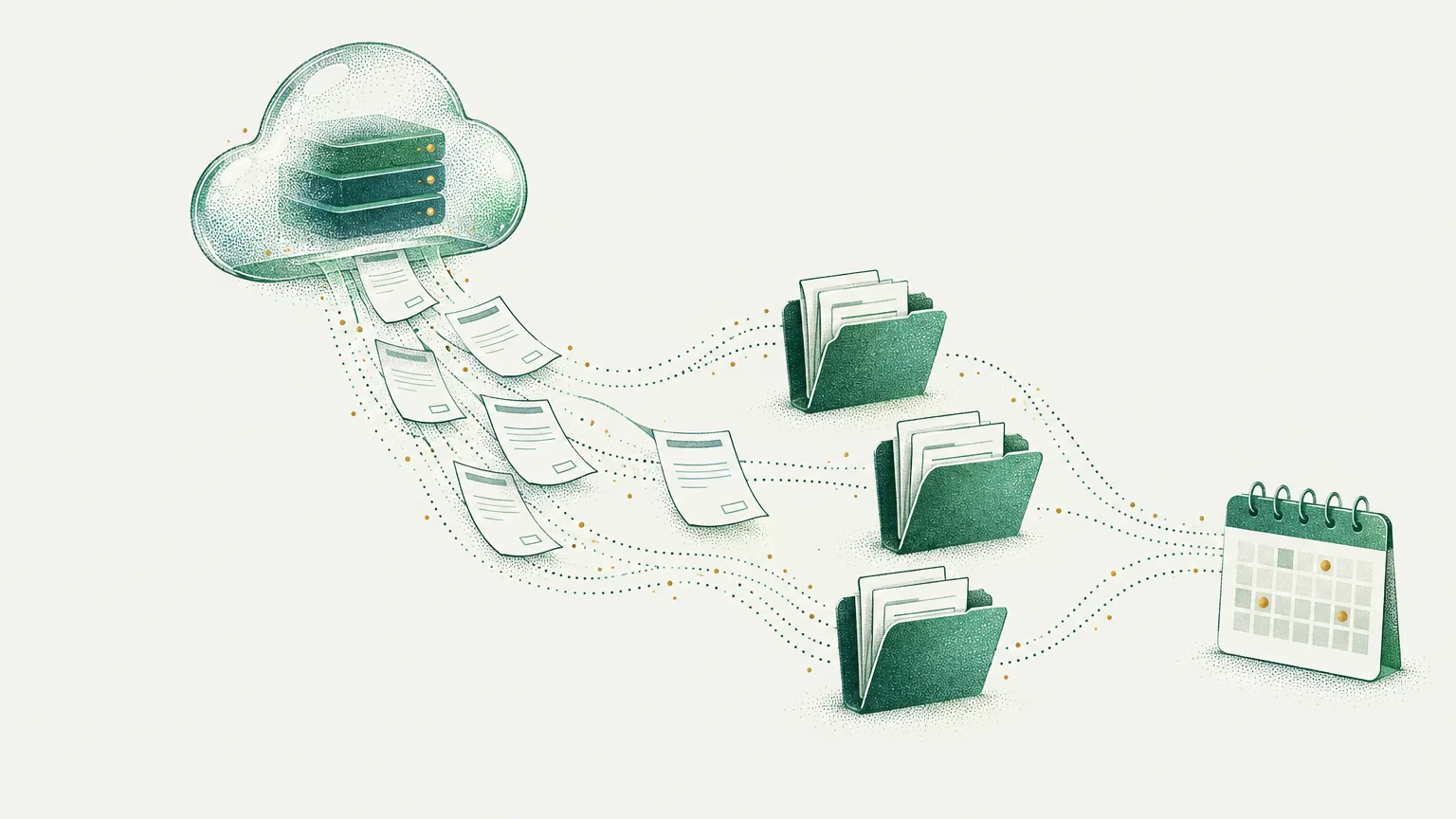
A process is any repeated sequence of steps. For example: a customer fills in a form, you copy the details into a spreadsheet, send a confirmation and add the date to your calendar. Automation does those steps for you, in a few seconds and without mistakes.
A few examples from real projects:
- Documents. A health and safety training company filled in certificates by hand every day. Now they make themselves, and 30–60 minutes a day became about 2 minutes. See how it works.
- Reminders. A landlord with about 40 flats sends rent reminders with one click instead of writing to each tenant separately. Details of the build.
- Customer service. An AI assistant answers repeated questions and collects enquiries, in the evening and at weekends too. When a chatbot makes sense.
How to find your first task to automate
The best first task isn't the most impressive one. It's the dullest and most frequent. Try a simple test:
- For a week, write down the tasks you repeat. What you and your people do, how often and how long it takes.
- Mark the ones that always go the same way. The same steps, the same kind of data going in, the same result.
- Work out the cost. Time per repeat, times repeats per month, times the hourly rate.
- Pick one task. The one that costs the most time and annoys you most.
The tasks that most often win this test:
- copying data from forms, emails or PDFs into a spreadsheet or system,
- issuing repeated documents: quotes, contracts, reports, certificates,
- reminders about payments, appointments, deadlines and renewals,
- answering the same customer questions,
- weekly reports pieced together by hand from several files,
- handling invoices: fetching them, passing them to your accountant and chasing payments (see what can be automated).
What not to automate
Automation isn't right for everything. It's a waste of money when:
- the task happens once a quarter,
- every case is different and needs a person's judgement,
- the process is still settling and looks different every month,
- you don't know what the task should look like when it works well.
In the last case, the process needs sorting out first, and only then automating. Automating a mess gives you a faster mess.
Automation and AI: what's the difference
The two words often come together, but they aren't the same thing.
Plain automation runs fixed steps: "when a form comes in, add a row to the spreadsheet and send an email". It's predictable and cheap to run.
AI helps where something has to be understood: reading an email and pulling the details out of it, answering a customer in plain language, summarising a document, recognising what an enquiry is about.
The best builds combine the two. AI understands, and automation does the work. But many small business tasks don't need AI at all and work better without it.
Which tools to choose
The tool should fit the task and what you already use. I most often work with:
- n8n: connects apps and builds workflows. It can run on your own server, so your data stays under your control.
- Google Apps Script: great when the business works in Google Sheets, Docs and Drive.
- Make and Zapier: ready-made platforms with thousands of integrations, handy for simple connections.
- Custom code: when ready-made tools aren't enough or the subscriptions get too expensive.
You don't need to know any of them. What matters is that whoever builds it picks the tool for your task, not the task for their favourite tool.
What a 21-day build looks like
My starting offer is your first working automation in 21 days. It goes like this:
- A free call. You tell me what's eating your time. I tell you honestly what can be automated and whether it will pay off.
- A process map. I write down, step by step, how the task looks today and how it will look once automated. That's our shared definition of "it works".
- Build and testing. I build the automation and test it on your real data.
- Handover. You get a working solution, a short video on how to use it, and a list of three more things worth automating.
- Guarantee. You pay half up front and the rest only when everything in the process map works. After that, I fix bugs free of charge for several weeks.
Frequently asked questions
Is automation worth it for a very small business?
Often it's worth the most in a very small business, because every hour of the owner's time counts. One task that takes a few hours a week is enough for an automation to pay for itself within a few months.
Do I have to change the software I use?
Usually not. Automation connects the tools you already have: spreadsheets, email, calendar, invoicing. Changing software only makes sense when the current one can't connect to anything at all.
How much does automation cost for a small business?
It depends on the number of steps, the systems involved and whether AI is needed. I break it down in detail in the post on what automation costs. The best comparison is against the time the task takes you today.
What if the automation stops working?
During the guarantee period I fix bugs free of charge. After that you can choose ongoing care, where I make sure everything keeps working and make small changes when your process changes.
Where to start today
Take a sheet of paper and, for a week, write down the tasks you repeat. Once you have the list, book a free call. We'll pick the one task that gives you back the most time and start there.