Invoices in a small business: what you can automate in your invoice flow
What a small business can automate around invoices: collecting them, passing them to the accountant, tracking payments and checking suppliers.
Invoices are one of those jobs nobody starts a business for. They arrive by email, from supplier portals and from your invoicing program, and someone has to collect them, pass them to the accountant, note when they're due and check they've been paid. For many small businesses that's a manual routine every single week.
The good news: invoices follow the same few steps every time, which makes the invoice flow one of the easiest things in a small business to automate. In this post I show what exactly can be automated.
What takes time when handling invoices
When I talk to small business owners, these are the tasks I hear about most:
- Checking email, supplier portals or the invoicing program for new purchase invoices.
- Downloading invoices and sending them to the accounting office.
- Copying amounts and due dates into a spreadsheet or the bank.
- Keeping track of which invoices are paid and which aren't.
- Checking a supplier's bank details before paying.
Each of these takes a few minutes. The trouble is that they come up every week, for every invoice.
What can be automated
Collecting new invoices
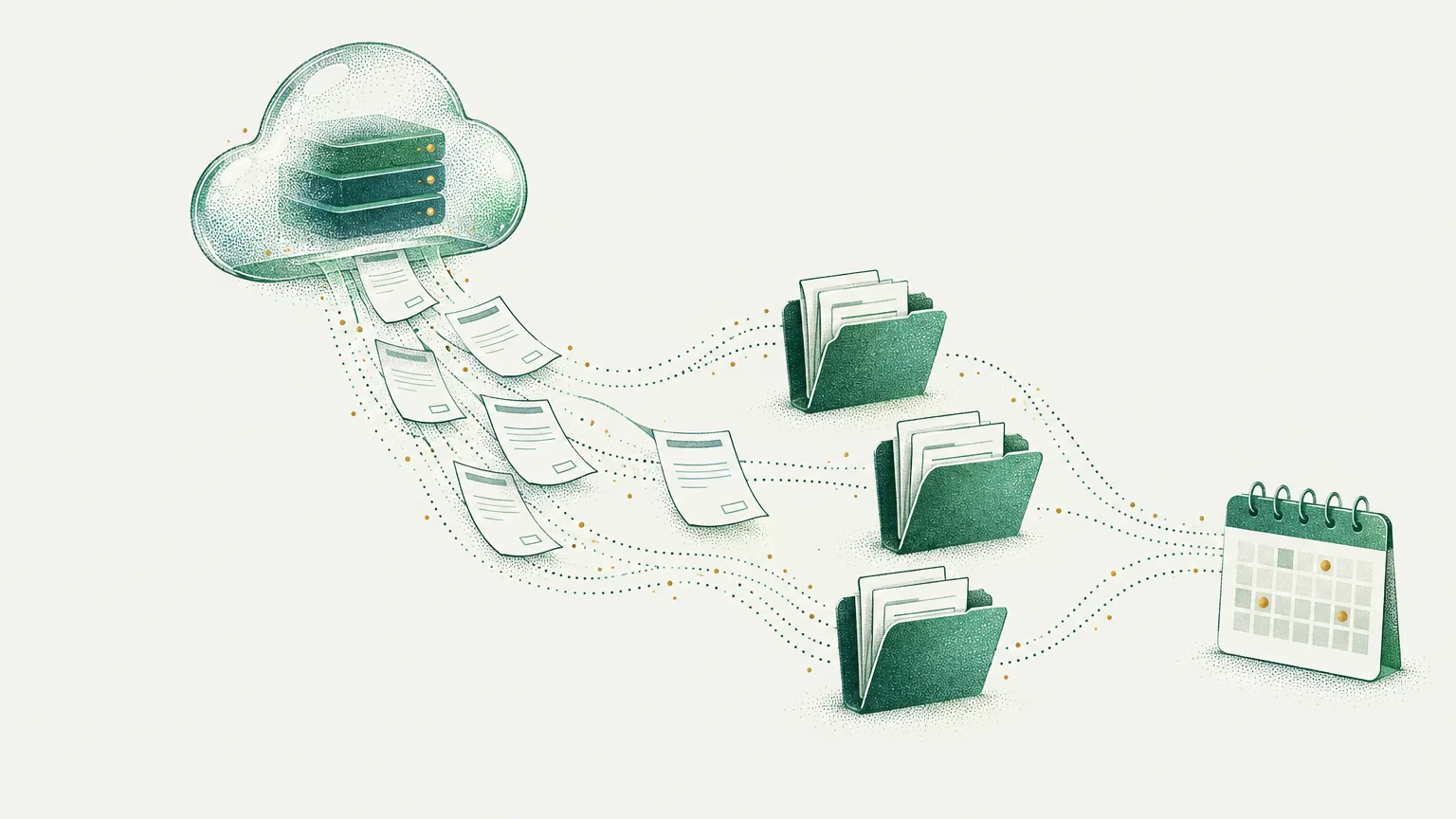
An automation can regularly check the places invoices arrive (a dedicated email inbox, a supplier portal, your invoicing program's interface) and save each new one where you choose: in Google Drive, in a company folder or in a spreadsheet listing your costs.
Passing invoices to the accountant
A new invoice can go straight to your accounting office, by email or into a shared folder, with a clear file name. No more remembering to send everything at the end of the month.
A payment list and reminders
An automation can add every invoice to a list with its amount and due date, and send you a reminder a few days before it's due. It works the other way round too: for invoices you issue, it can remind customers about overdue payments.
Checking suppliers
Before paying, it's worth checking that the supplier's bank account is the right one, for example against an official register or the details you paid last time. That step can be automated too. I built a tool that checks bank accounts against a public tax register and fetches official exchange rates, so I know this area from the technical side.
Summaries and reports
At the end of the week or month, an automation can send you a summary: how many invoices came in, how much is due, what's overdue.
What not to automate
Issuing invoices is best left to a proven invoicing program or accounting system. Automation works brilliantly around it: collecting, passing on, tracking payments and reporting. Tax decisions always stay with you and your accountant.
Frequently asked questions
Is my business too small for invoice automation?
Rarely. If you handle more than a handful of invoices a month and do it all by hand, collecting them and keeping track of payments is usually worth automating. On a free call I'll tell you honestly whether it is in your case.
Is automating invoices safe?
Access to inboxes, portals and accounting tools needs logins and keys that must be well protected. The automation gets only the permissions it needs (for example, read-only access to invoices), and the data is kept somewhere you control.
Will it replace my accounting office?
No. The automation takes the dull passing-on of documents and keeping track of deadlines off you and the office. Bookkeeping and tax decisions stay with your accountant.
I already have an invoicing program. Would automation give me anything?
Maybe it won't be needed, and then I'll tell you so. Often, though, the program handles issuing only, while collecting purchase invoices, passing them to the office and tracking payments are still done by hand. That's exactly what can be automated.
Let's look at your invoice flow
Book a free call. We'll go through what you do by hand with invoices today, and I'll tell you what can be automated and what is better left to your invoicing program.